

Choosing hemp-derived cannabis products online can feel like sorting through a maze of options, especially when you want both peace of mind and a smooth shopping experience. With every step from browsing to checkout, knowing how to effectively explore and select products helps you make smarter decisions that fit your wellness goals. This guide breaks down the essential actions for shopping with confidence at 23state.com, making each part of the process clear and stress-free.
Table of Contents
- Step 1: Explore and Select Products
- Step 2: Add Chosen Items to Your Cart
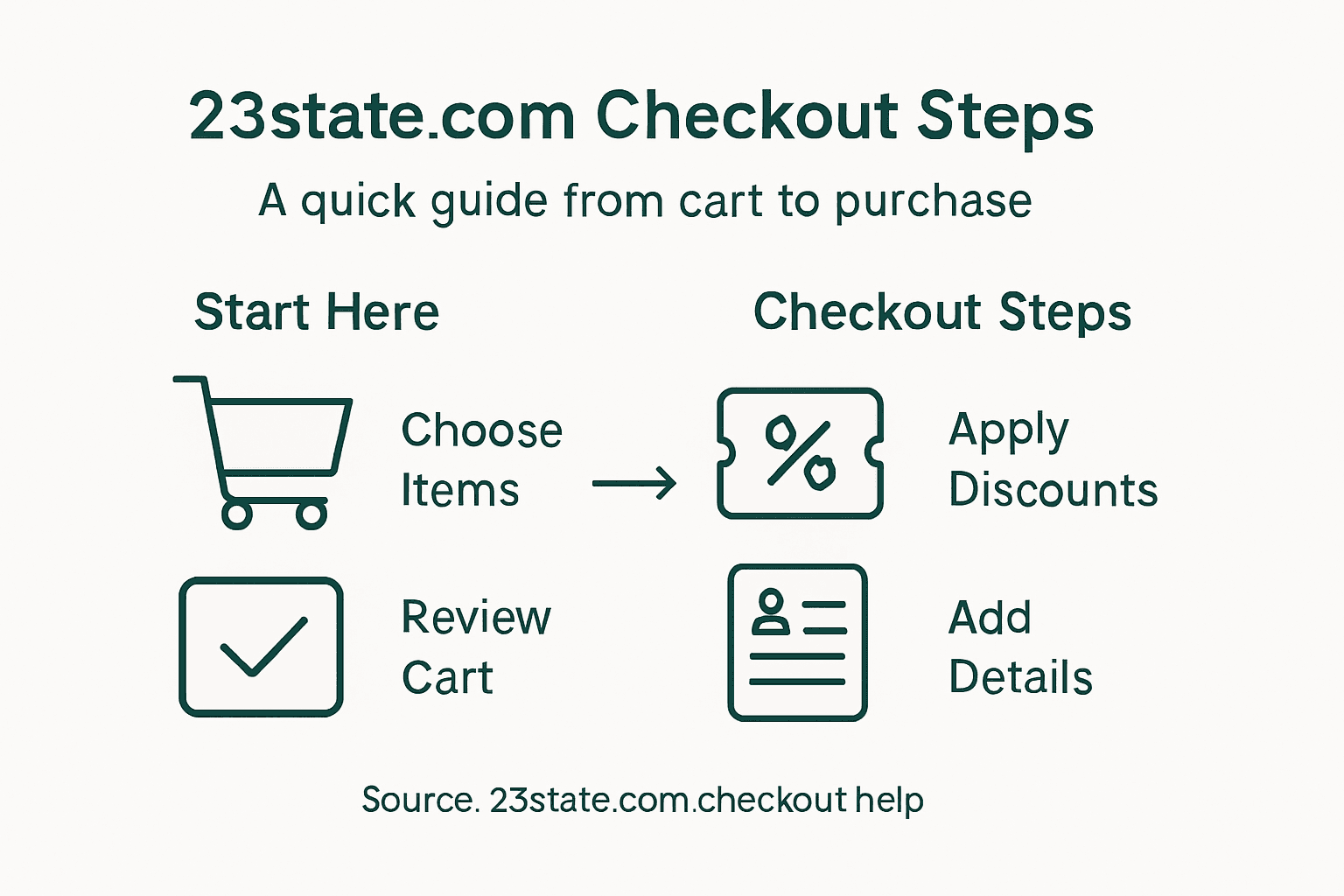
- Step 3: Review Cart and Apply Discounts
- Step 4: Sign In or Create an Account
- Step 5: Enter Shipping and Payment Details
- Step 6: Verify Order and Confirm Purchase
Quick Summary
| Key Point | Explanation |
|---|---|
| 1. Use Filters to Narrow Search | Utilize filters based on type, potency, or effect to find products that suit your wellness goals more efficiently. |
| 2. Compare Products Before Adding to Cart | Leverage the comparison tool on the site to evaluate options side by side, ensuring informed decision-making prior to purchasing. |
| 3. Review Cart for Discounts | Check for promotional codes and discounts to maximize savings before finalizing your order, as various offers may apply. |
| 4. Create an Account or Sign In | Establishing an account allows for personalized recommendations and quick access to your order history, enhancing your shopping experience. |
| 5. Verify Order Details Before Confirmation | Carefully review all order information, including quantities, address, and total costs, to avoid errors and ensure satisfaction before completing the transaction. |
Step 1: Explore and Select Products
Starting your online shopping journey with 23state.com begins with exploring and selecting the perfect products that match your wellness goals. When browsing the site, you’ll discover a curated collection of hemp-derived cannabis beverages and lifestyle accessories designed to enhance your experience.
To effectively explore and select products, follow these strategic steps:
- Visit the main product categories section
- Use filters to narrow your search by product type, potency, or desired effect
- Review detailed product descriptions and available sizes
- Check customer reviews for additional insights into each item
- Use the checkout process interface to manage your selections
As you browse, pay attention to product details like THC content, flavor profiles, and recommended usage. Each product offers unique benefits, so take your time comparing options that align with your preferences. Click the “Add to Cart” button for items you want to purchase, which will seamlessly transfer them to your shopping cart.
Here is a summary of key product attributes to consider when shopping on 23state.com:
| Attribute | Why It Matters | How to Evaluate |
|---|---|---|
| THC Content | Determines potency and effects | Compare milligram amounts per product |
| Flavor Profile | Enhances enjoyment and satisfaction | Read tasting notes in descriptions |
| Usage Recommendation | Guides best use and timing | Check suggested serving and timing |
| Size Options | Impacts value and duration | Review available volumes or counts |
| Customer Ratings | Reflects user experience | Look for star ratings and reviews |
Pro tip: Before finalizing your selections, use the site’s comparison tool to evaluate different products side by side, ensuring you make an informed choice.
Step 2: Add Chosen Items to Your Cart
Now that you’ve explored the 23state.com product selection, it’s time to add your chosen items to the cart. This crucial step transforms your browsing into an actual purchasing experience, allowing you to collect the hemp-derived cannabis products that align with your wellness goals.
To add items to your cart, follow these straightforward steps:
- Locate the specific product you want to purchase
- Click the green “Add to Cart” button located near the product details
- Select product quantity based on your preferences
- Review the item in your cart to confirm selection
- Check that the product matches your intended purchase
Each product on 23state.com features intuitive cart functionality that allows you to easily modify quantities or remove items before checkout. Pay close attention to product variants, sizes, and potency levels to ensure you’re selecting exactly what you want.
Remember that your cart is flexible - you can always adjust selections before finalizing your purchase.
The cart interface provides a seamless overview of your chosen items, displaying product names, individual prices, and the total cost. Take a moment to review your selections carefully before proceeding to the next checkout stage.

Pro tip: Double-check your cart contents and quantities before advancing to prevent unexpected purchases or miscalculations.
Step 3: Review Cart and Apply Discounts
After selecting your favorite 23state.com hemp-derived cannabis products, you’ll want to carefully review your cart and maximize your savings through available discount opportunities. This critical step ensures you’re getting the best value while confirming your product selections before checkout.
To review your cart and apply discounts effectively, follow these strategic steps:
- Click on the cart icon located in the top right corner of the website
- Verify product quantities and specific item details
- Review the subtotal and any existing pricing
- Apply promotional codes strategically to reduce total cost
- Check for automatic volume discounts
- Confirm all applied discounts reflect correctly
The cart interface provides a transparent breakdown of your selected items, individual product prices, potential discounts, and the final total. Pay close attention to any time-sensitive promotions or bulk purchase incentives that could help you save money on your 23state.com purchase.
Discounts can significantly reduce your total purchase price, so take a moment to explore all available options.
Some discount opportunities might include first-time buyer promotions, seasonal sales, or special offers for specific product categories. The platform designs its discount system to provide flexible savings that enhance your shopping experience.
Compare the different types of discounts you may encounter during checkout:
| Discount Type | Description | Common Requirements |
|---|---|---|
| First-Time Buyer | Introductory savings for new customers | Account creation, one-time use |
| Seasonal Sale | Limited-time promotions on select items | Shopping during sale periods |
| Volume/Bulk | Savings for purchasing multiple units | Adding qualifying quantities |
| Category Offer | Discounts for specific product categories | Buying eligible category items |
| Promo Code | Extra savings via code entry | Enter valid code at checkout |
Pro tip: Always scan the entire cart for potential discount opportunities before proceeding to checkout, as some promotions might not be immediately visible.
Step 4: Sign In or Create an Account
As you prepare to complete your purchase on 23state.com, you’ll need to establish your account credentials, which ensures a personalized and secure shopping experience. Account creation processes provide multiple options for both returning and new customers.
To sign in or create an account, follow these comprehensive steps:
- Locate the account login/register button in the top right corner
- Choose between returning customer sign-in or new account registration
- For new accounts, prepare the following information:
- Valid email address
- Secure password
- Optional shipping and billing details
- Click the appropriate “Sign In” or “Create Account” button
- Verify your email address if required by the system
The 23state.com platform offers a streamlined authentication process that balances convenience with robust security measures. New users can quickly establish an account, while returning customers enjoy rapid access to their saved preferences and purchase history.
Your account unlocks personalized recommendations, order tracking, and exclusive member benefits.
Customers can expect a smooth registration experience that takes minimal time while providing maximum value through account features like saved payment methods, order history, and customized product suggestions.
Pro tip: Use a unique, strong password and consider enabling two-factor authentication for enhanced account security.
Step 5: Enter Shipping and Payment Details
You’re now ready to complete your 23state.com purchase by entering your shipping and payment information. Checkout configuration options ensure a smooth and secure transaction process tailored to your preferences.
To enter your shipping and payment details, follow these precise steps:
- Confirm your shipping address is accurate
- Select your preferred shipping method and speed
- Choose a payment method:
- Credit/debit card
- PayPal
- Digital wallet options
- Enter complete billing information
- Verify all details before final submission
The platform provides multiple secure payment channels, allowing flexibility in how you complete your transaction. Carefully review each section to ensure all information is correct, preventing potential delays in processing your order.
Accuracy in your shipping and payment details is crucial for a seamless purchasing experience.
Each input field is designed to capture necessary information while maintaining user-friendly navigation. The system will validate your details in real-time, offering immediate feedback to help you complete your purchase efficiently.
Pro tip: Keep your payment method and shipping information updated to expedite future purchases and prevent potential delivery complications.
Step 6: Verify Order and Confirm Purchase
You’ve reached the final stage of your 23state.com purchase, where careful review ensures a smooth transaction. Checkout process details provide critical guidance for completing your order accurately.
To verify your order and confirm your purchase, follow these essential steps:
- Carefully review all order details
- Check product quantities and specifications
- Verify shipping address and method
- Confirm total price, including:
- Product costs
- Shipping fees
- Applicable taxes
- Any applied discounts
- Click the final confirmation button
The platform presents a comprehensive summary screen that allows you to validate every aspect of your purchase before completing the transaction. This final checkpoint prevents potential errors and ensures you’re fully satisfied with your selected items.
Your attention to detail during this final review can save time and prevent unexpected issues with your order.
Once you confirm, you’ll receive an immediate digital receipt and order confirmation number for your records. The system will also send a detailed email summarizing your purchase, providing transparency and peace of mind.
Pro tip: Save your order confirmation and take a screenshot of the final order page as an additional record of your transaction.
Simplify Your Purchase Journey with 23state.com
Navigating the online checkout process can sometimes feel overwhelming when buying hemp-derived cannabis products that fit your wellness and lifestyle needs. This step-by-step guide addresses common challenges like selecting the right THC content, applying discounts, and entering payment details accurately. By understanding each stage, you gain confidence in managing your cart and securing the best deals on premium products designed for recreation and wellness.
Discover how 23state.com makes this process effortless with intuitive features and a curated selection that enhances your entire experience. Explore our wide range of hemp-based options and lifestyle accessories in the Merch category to find products perfectly suited to your preferences.
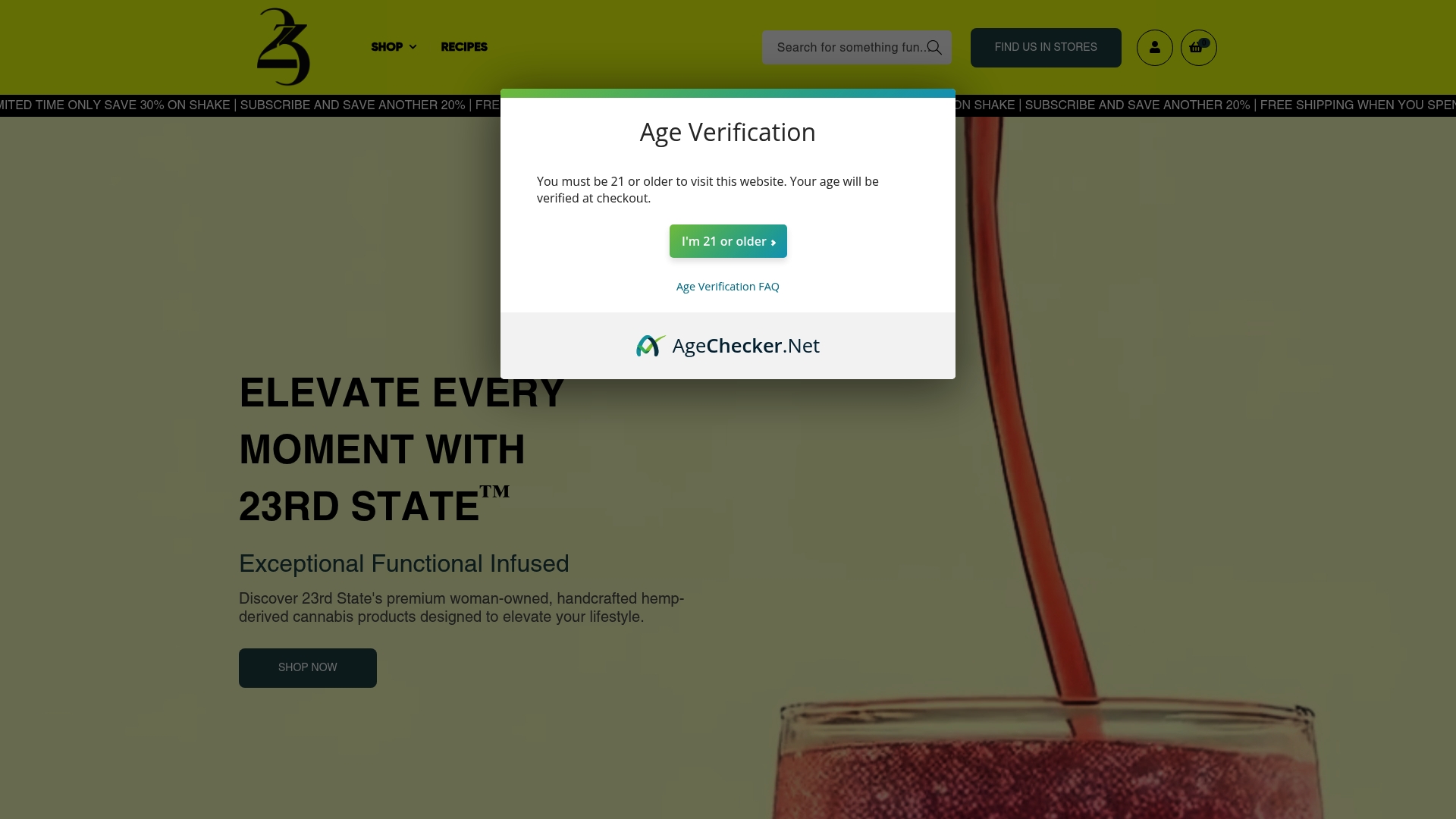
Ready to turn your wellness goals into reality? Visit 23state.com now to select your favorite items, enjoy seamless checkout, and access exclusive promotions. Don’t wait to elevate your lifestyle with quality cannabis products crafted just for you.
Frequently Asked Questions
How do I explore products on 23state.com before making a purchase?
To explore products on 23state.com, start by visiting the main product categories section. Use filters to narrow your search by product type, potency, or desired effect to find items that align with your wellness goals.
What should I do if I want to add an item to my cart?
To add an item to your cart, locate the desired product and click the green “Add to Cart” button. Ensure you select the correct product quantity before confirming your selection to avoid any mistakes.
How can I apply discounts during checkout on 23state.com?
To apply discounts during checkout, click on the cart icon and review your items. Enter any promotional codes in the designated field and check if automatic volume discounts apply to reduce the total cost of your order.
What information do I need to create an account on 23state.com?
To create an account on 23state.com, you need a valid email address, a secure password, and optional shipping and billing details. Follow the prompts to complete your account registration, which will enhance your shopping experience.
How can I verify my order before finalizing my purchase?
Before finalizing your purchase, review all order details carefully, including product quantities, shipping address, and total price. This final check helps ensure everything is accurate and allows you to make any necessary changes before submitting your order.
What should I do if there is an error in my shipping or payment details?
If you notice an error in your shipping or payment details, immediately return to the checkout page and correct the information. Double-check all entries to avoid delays in processing your order.
